
Branded Redemption pages let every part of your gift redemption process feel fully on brand—matching the look and feel of your website for a smooth, professional experience. Setting up these pages is straightforward, and you can customise everything from colours and images to button styles.
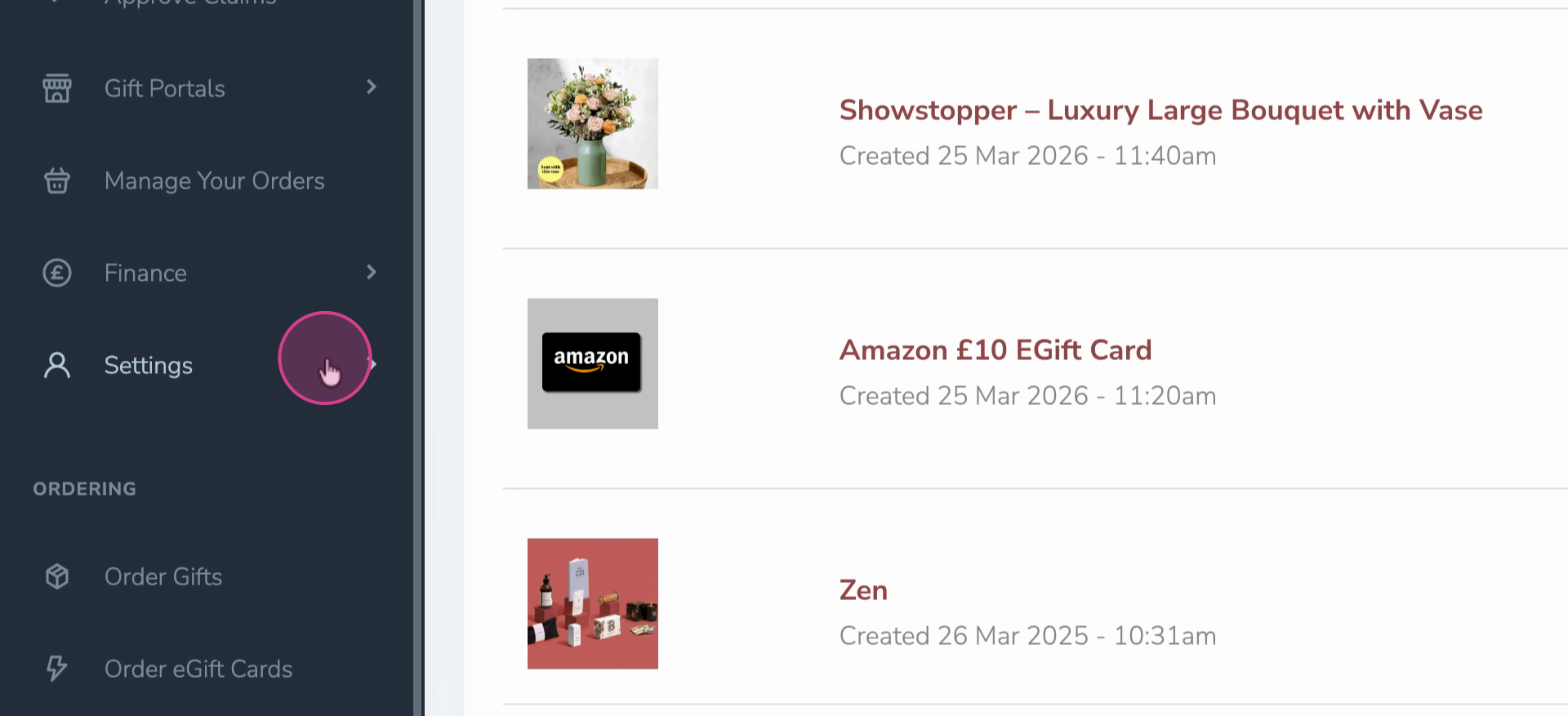
Step 1: Go to the main menu and select Settings.
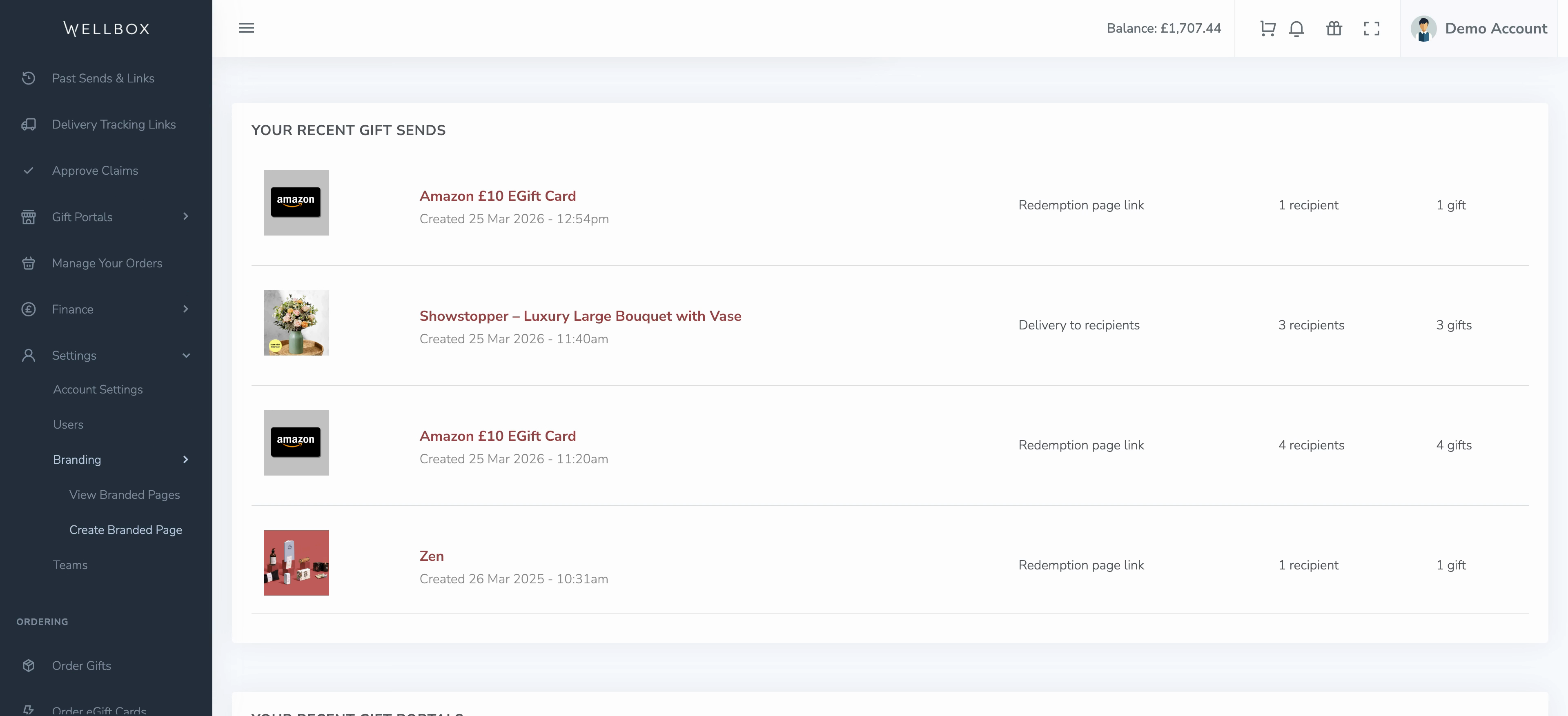
Step 2: Click on Branding.
Step 3: Select Create a Branded Page. Give your branded page a unique name.
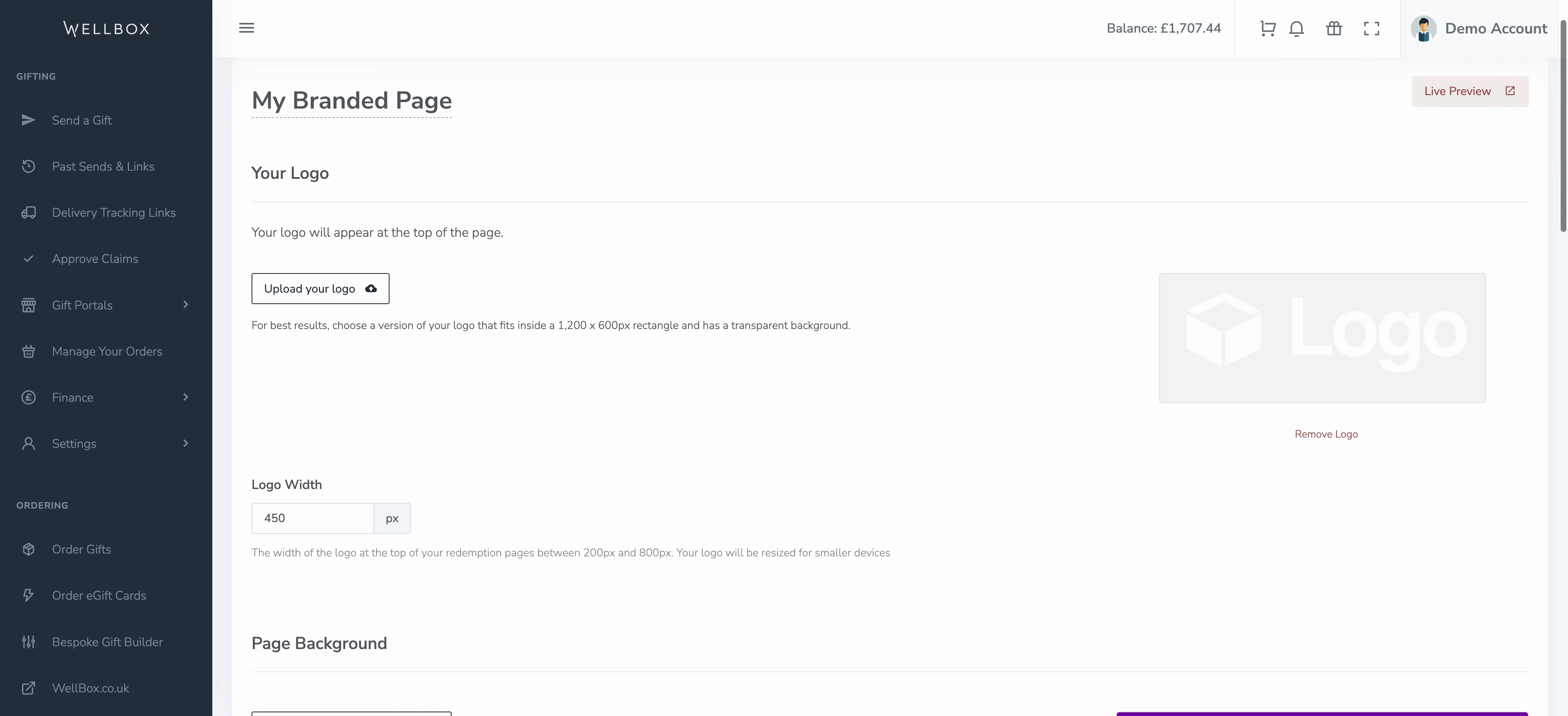
Step 4: A new branded page is created. Start customising it to match your brand. Adjust the logo, update the background colour or texture, and change or remove the featured image to fit your visual style.
Step 5: Modify headings, colours, buttons, and continue options to align everything with your brand identity.
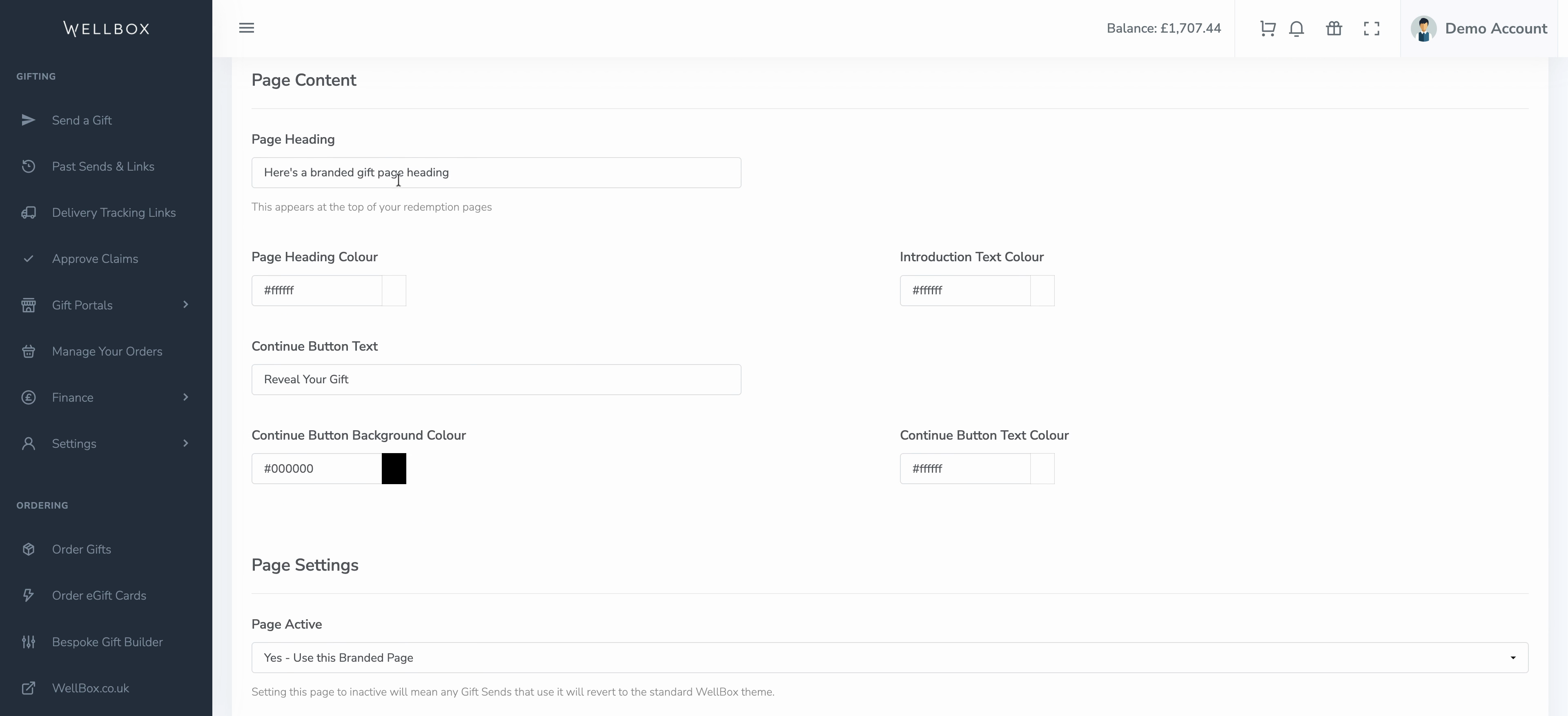
Step 6: Decide if you want this branded page to be the default for new gift redemption links. Turn this setting on or off based on your preference.
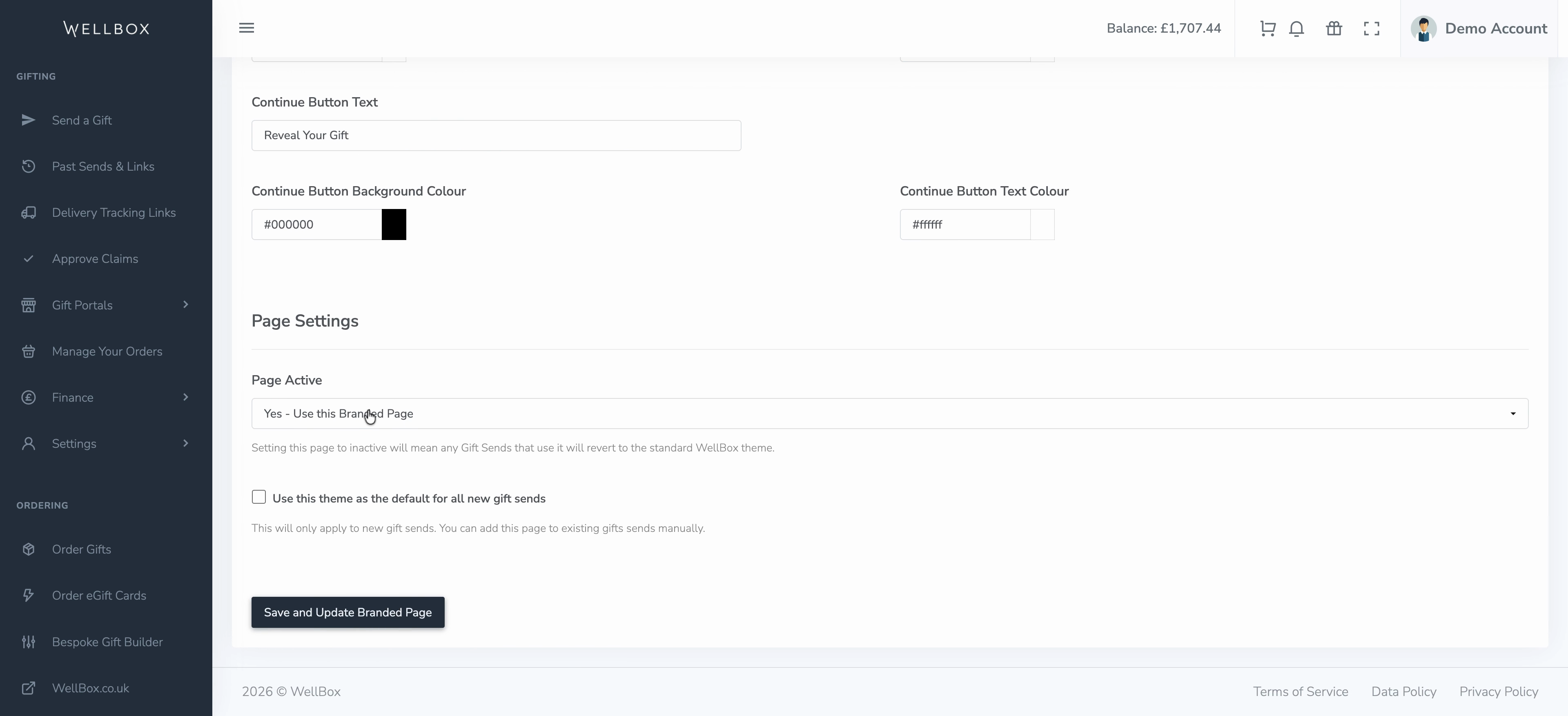
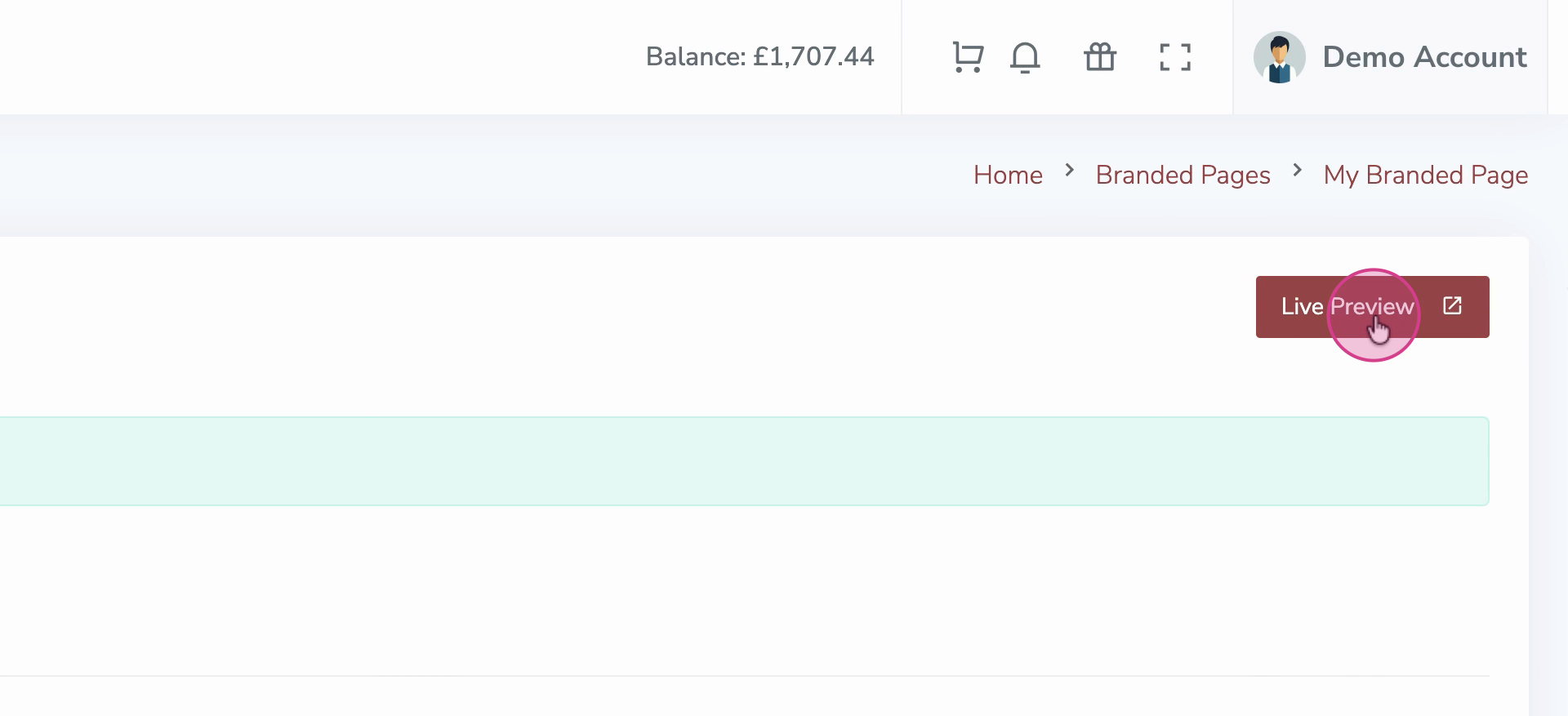
Step 7: When you’re finished, click Live Preview to see how your branded redemption page looks in action.
Branded redemption pages give your recipients a professional, consistent look and feel every time they redeem a gift. Take advantage of each design option to build trust and reinforce your brand at every touchpoint.