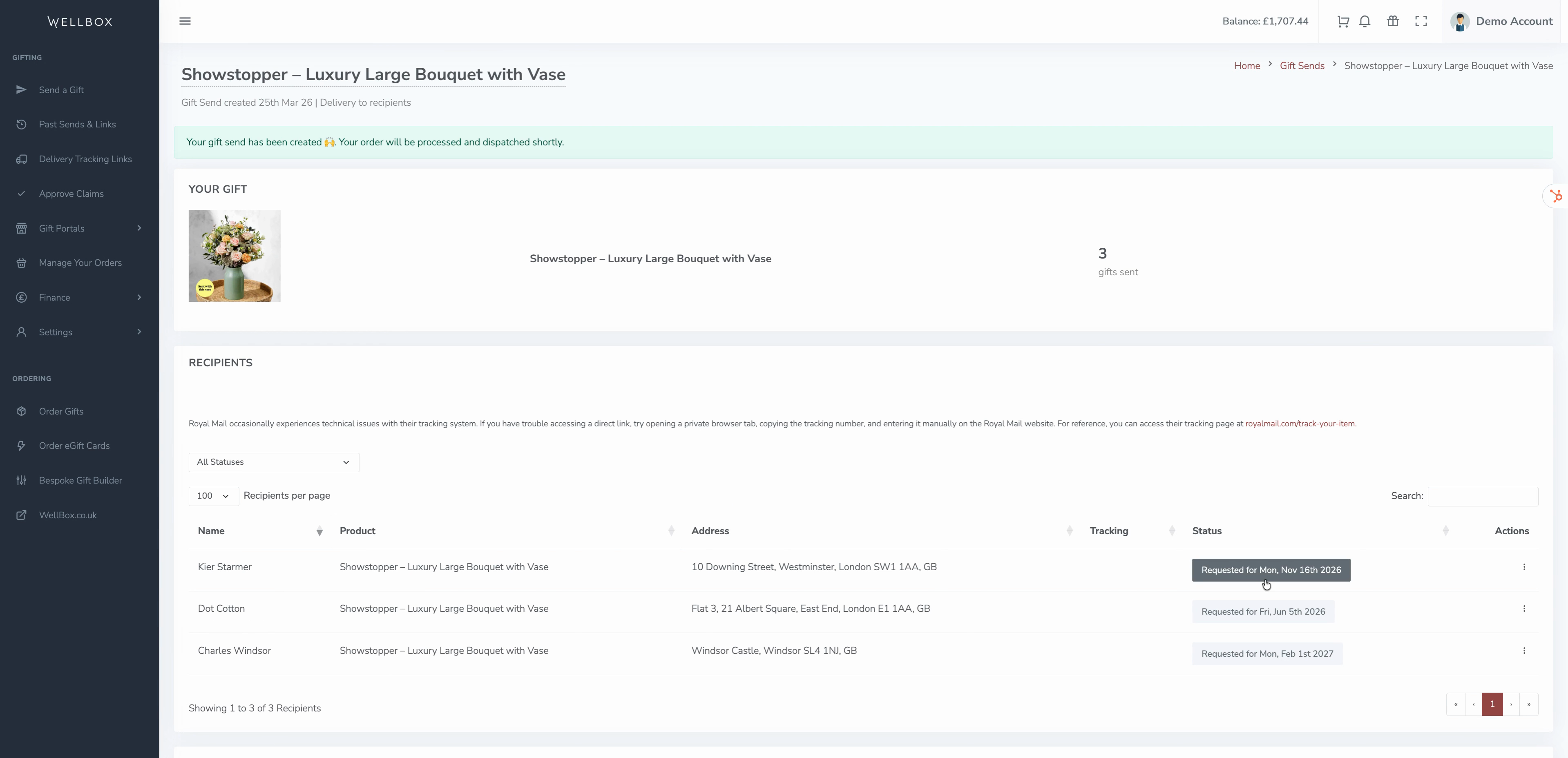
Sometimes you want to send a gift for a special occasion, like an employee appreciation day, birthday, or work anniversary but you’d rather handle the details now and have the gift delivered later. WellBox makes it easy to schedule gift deliveries in advance and keeps you organised so you never miss an important date.
Follow these steps to delay postage for any gifts in your account.
Step 1: Choose a gift from your WellBox account.
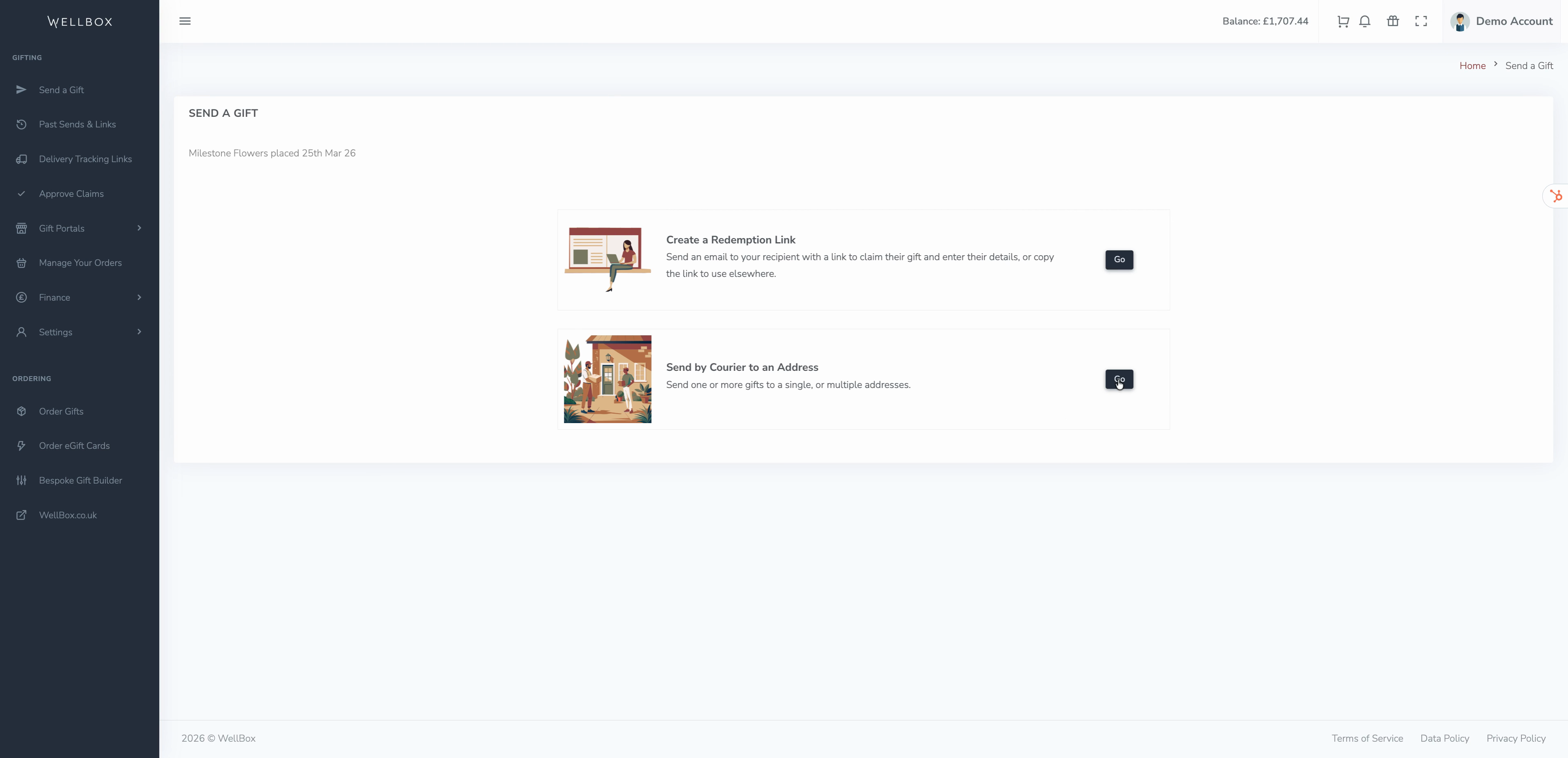
Step 2: Select Send By Courier to an Address as your delivery method.
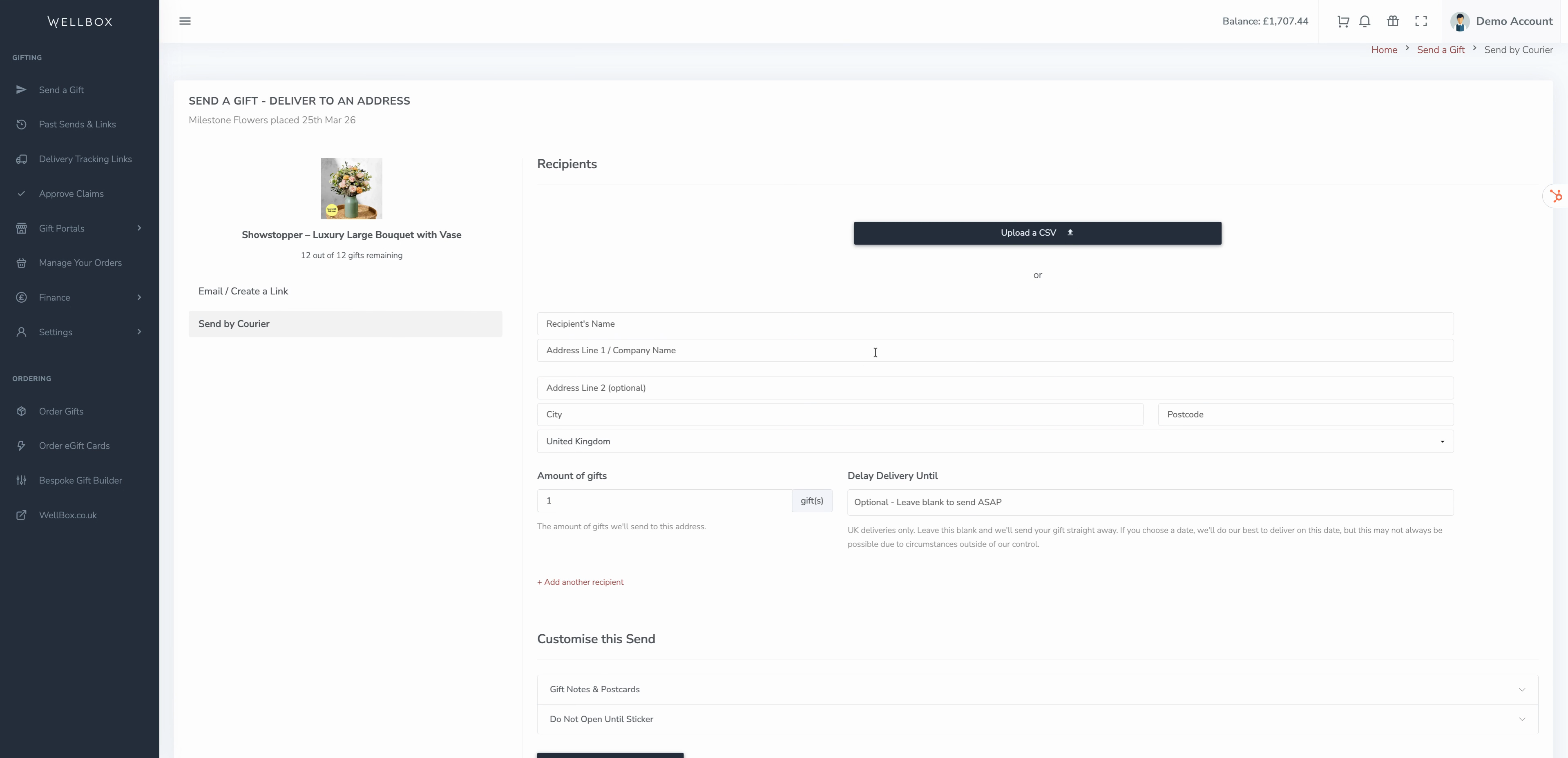
Step 3: Decide how to add recipients. Upload a list for batch sending or add recipients one by one.
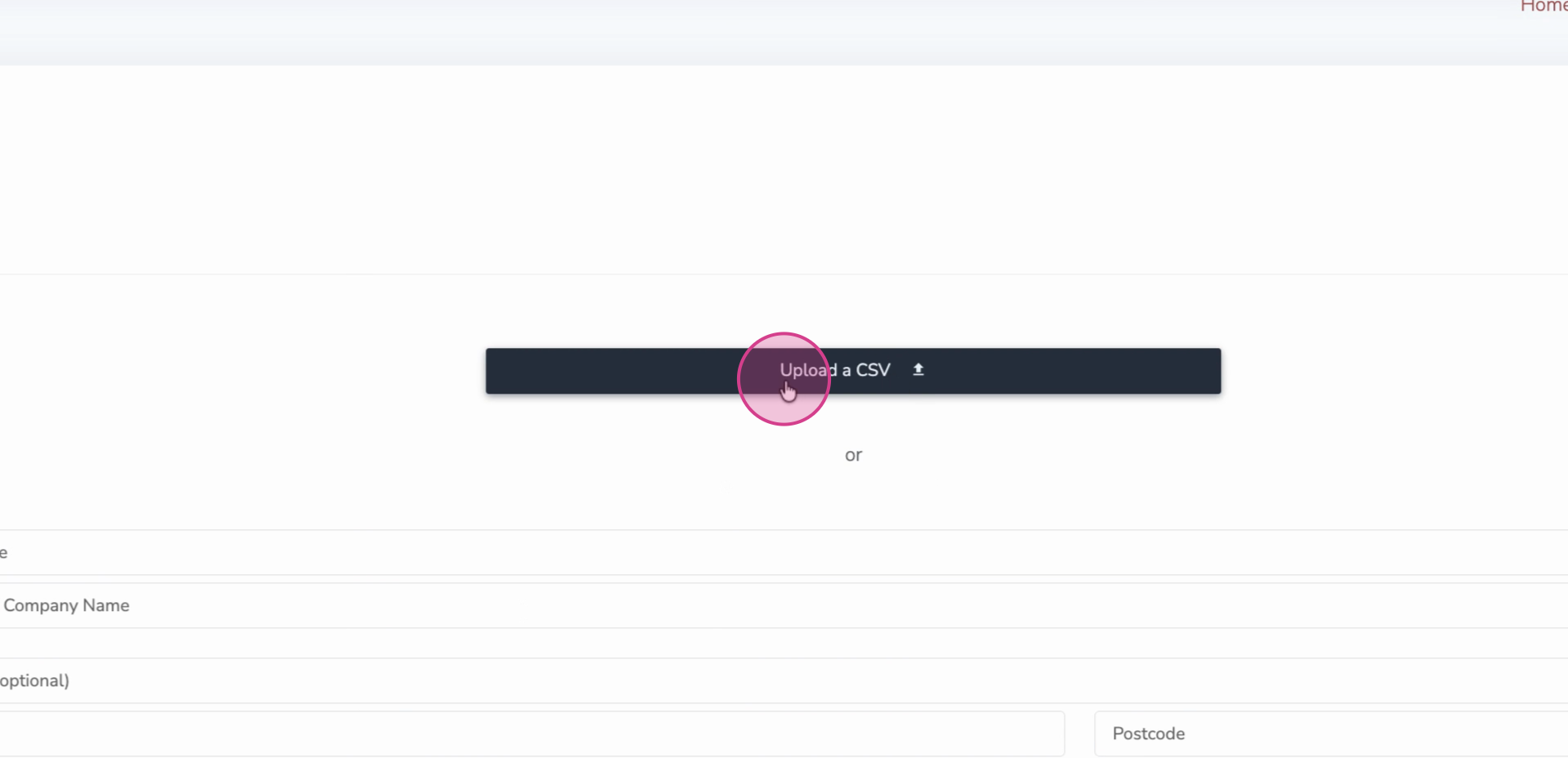
Step 4: If uploading, click Upload a CSV and choose your prepared file.
Step 5: Use any delivery date format in your spreadsheet, but for clarity, stick to the UK date format (DD/MM/YYYY).
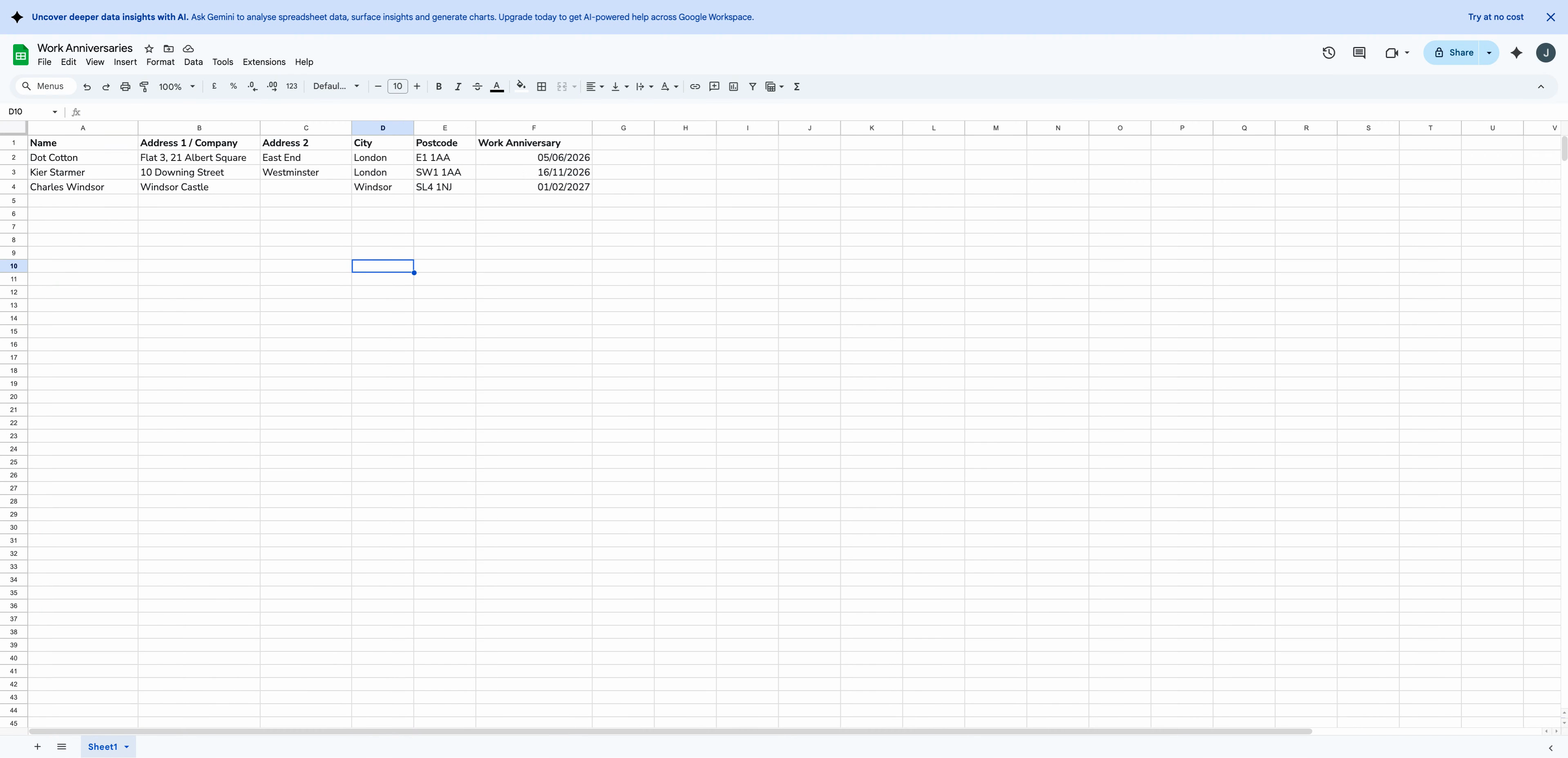
Step 6: Save your sheet as a comma-separated (CSV) file. During upload, if any columns aren’t matched, assign the correct headings so the system imports all information accurately.
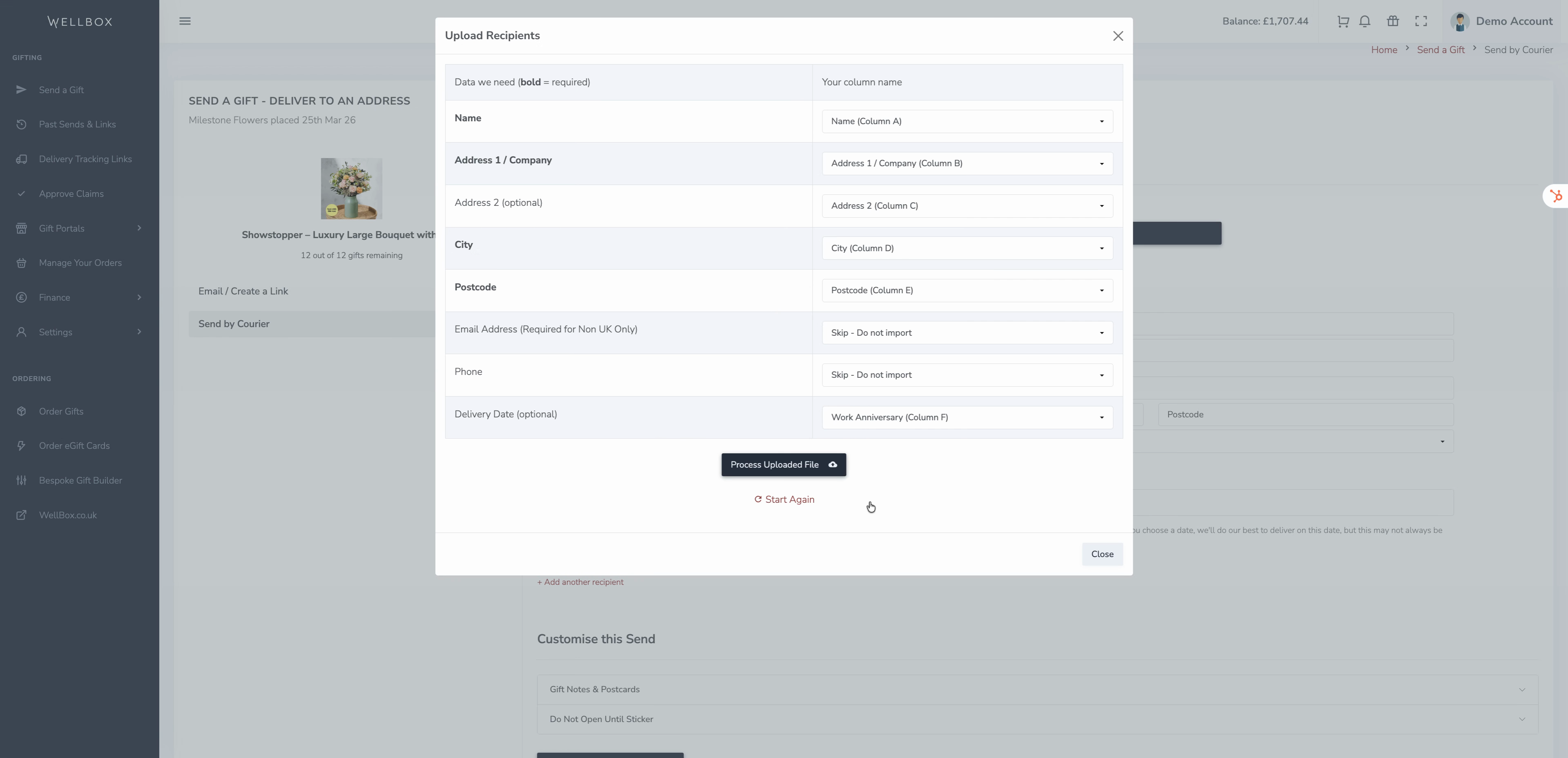
Step 7: Review the delivery dates and details for each recipient before confirming. You can also add recipients individually by using the Add another recipient link.
Step 8: Optionally, personalise the gift by including a custom message or letter for your recipients.
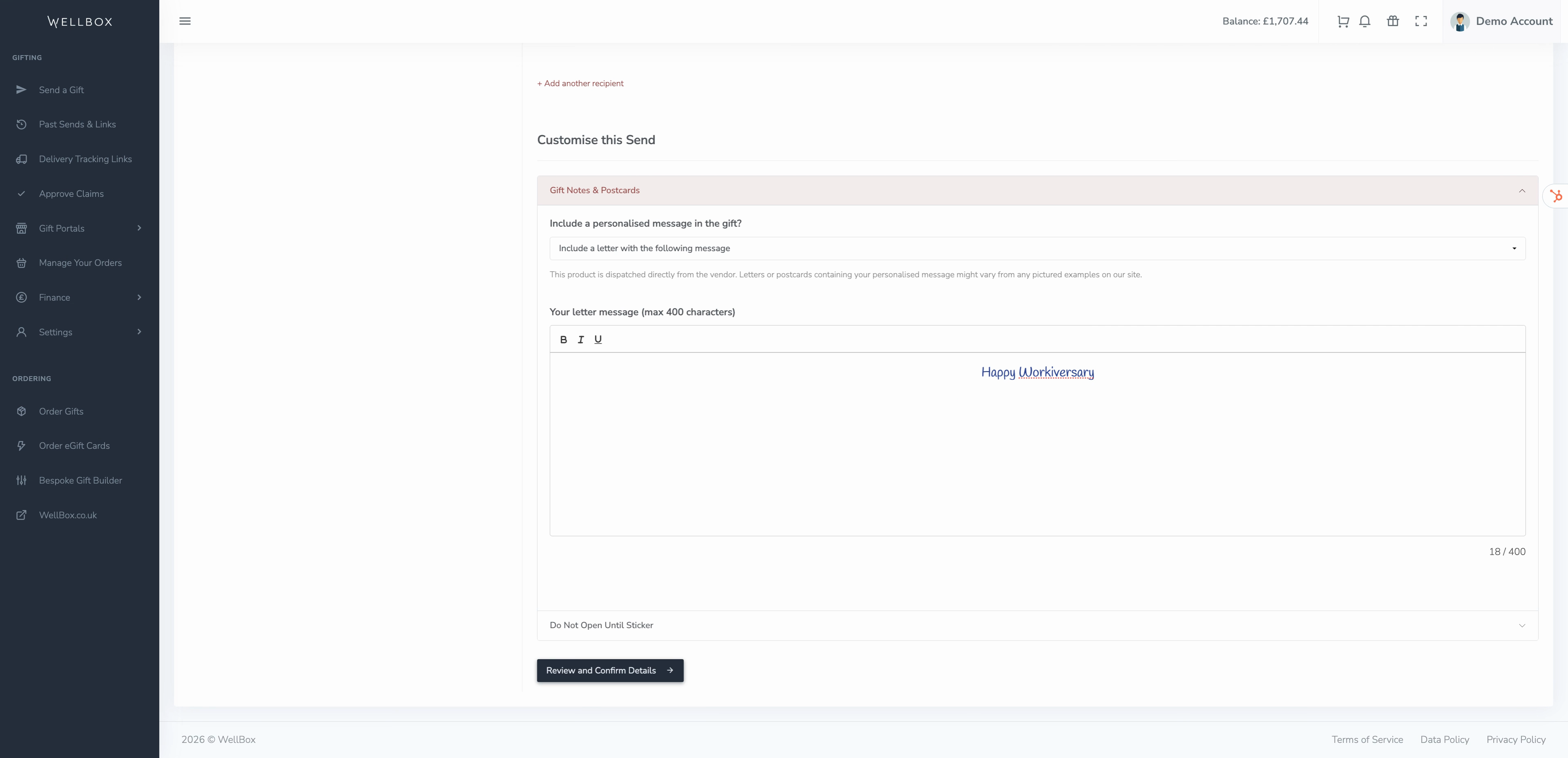
Step 9: For gifts that you choose to arrive a few days ahead of an event, you can add a Do not open until sticker specifying an opening date.
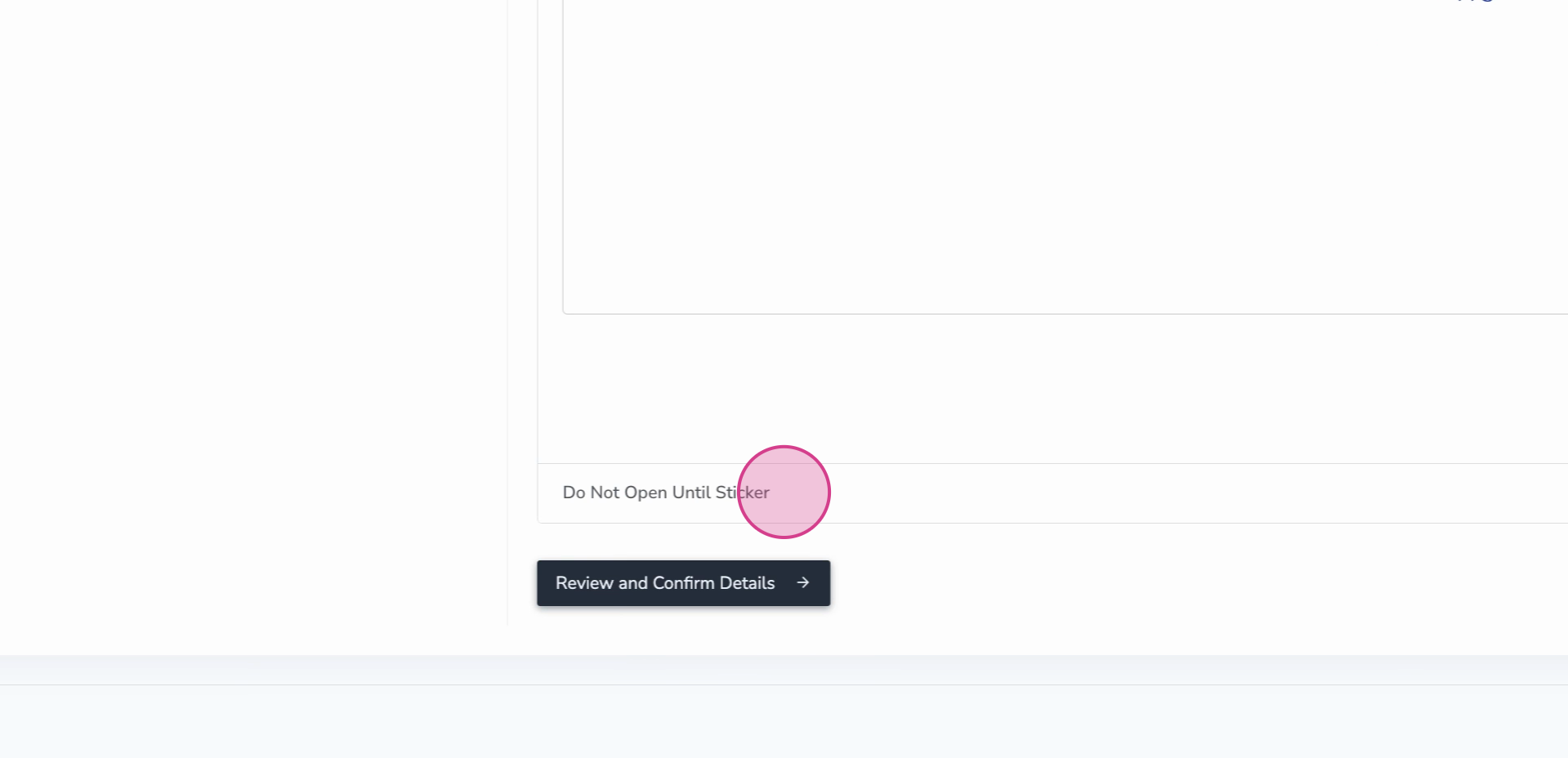
Step 10: Click Review and Confirm Details to get an overview of your settings. Click Send Gifts. We'll schedule the deliveries according to your chosen dates.