
eGift cards are a flexible and thoughtful way to recognise someone—whether it's for a bonus, an incentive, or a last-minute “oops, I forgot!” moment. Here’s how to quickly send e-gift cards so your recipients feel seen and appreciated.
Step 1: Head to Send a gift on your dashboard and choose the gift card you want to send.
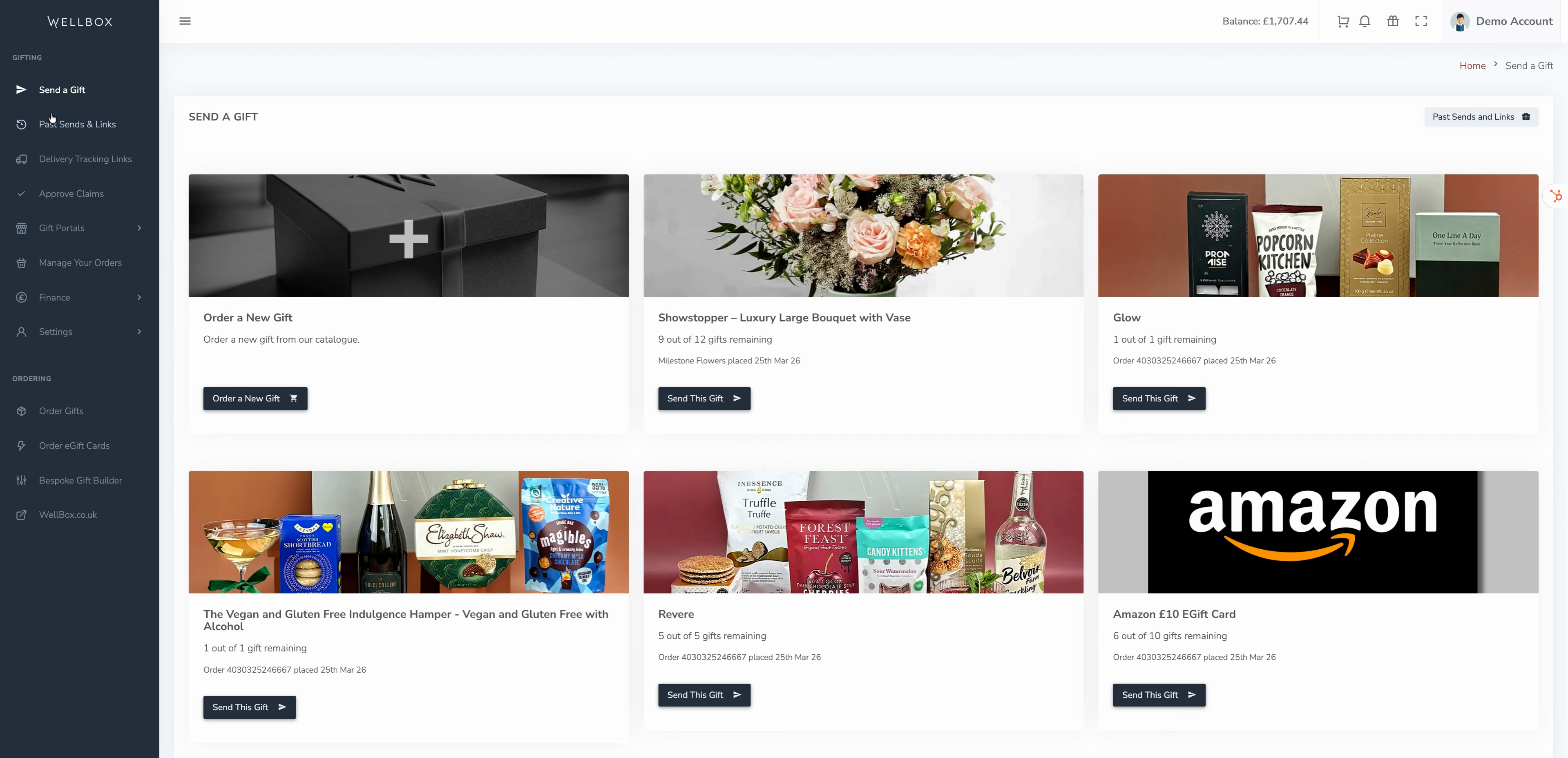
Step 2: Decide how you want your recipient to receive their gift. Choose Send via Email to send the card directly through the platform or Generate a Link if you’d rather share it yourself via Slack, email, SMS, or your own site.
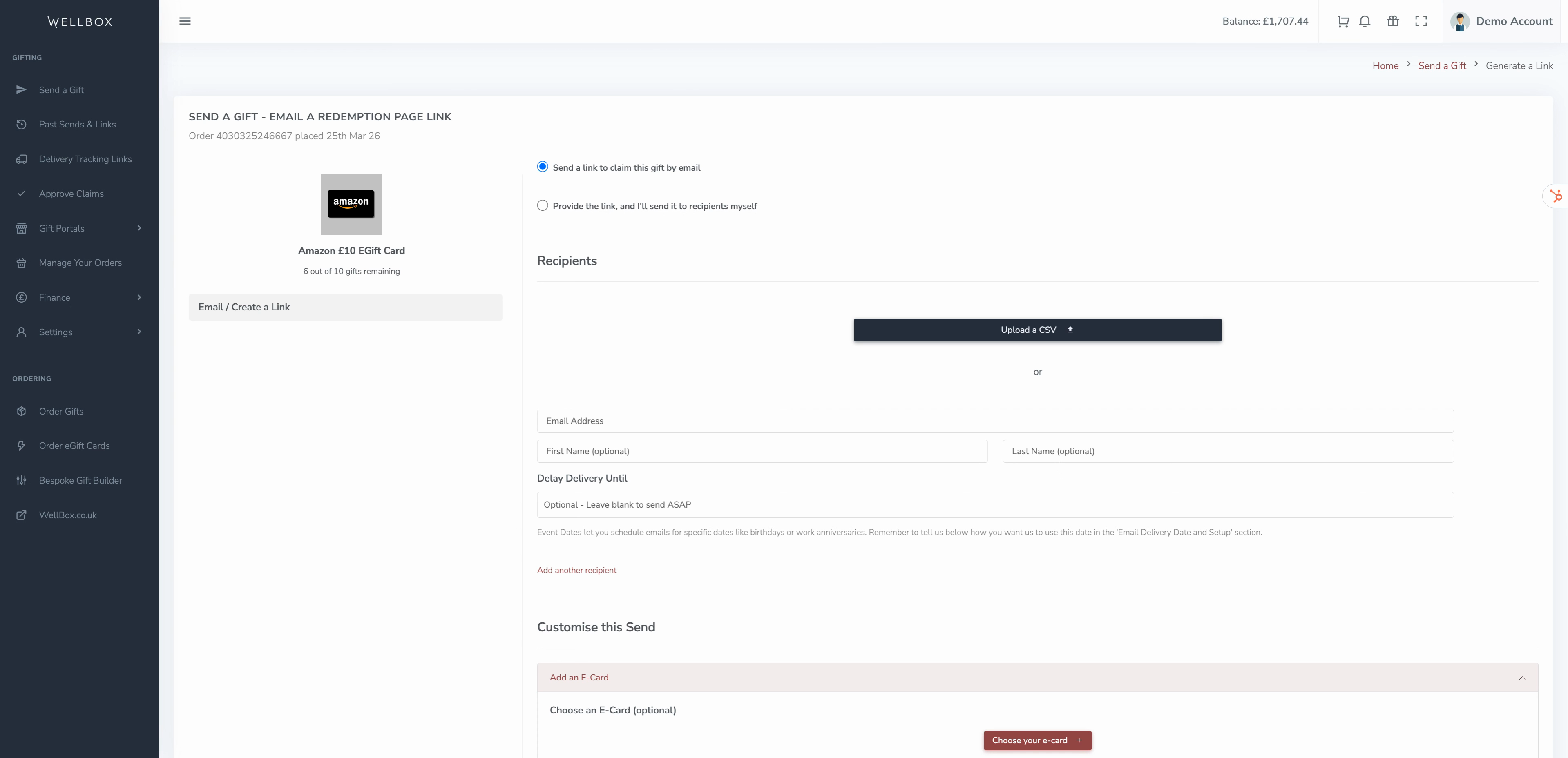
Step 3: Select whether you want to send to multiple recipients or just one. To send to several people, upload a list of email addresses—and their names if you want.
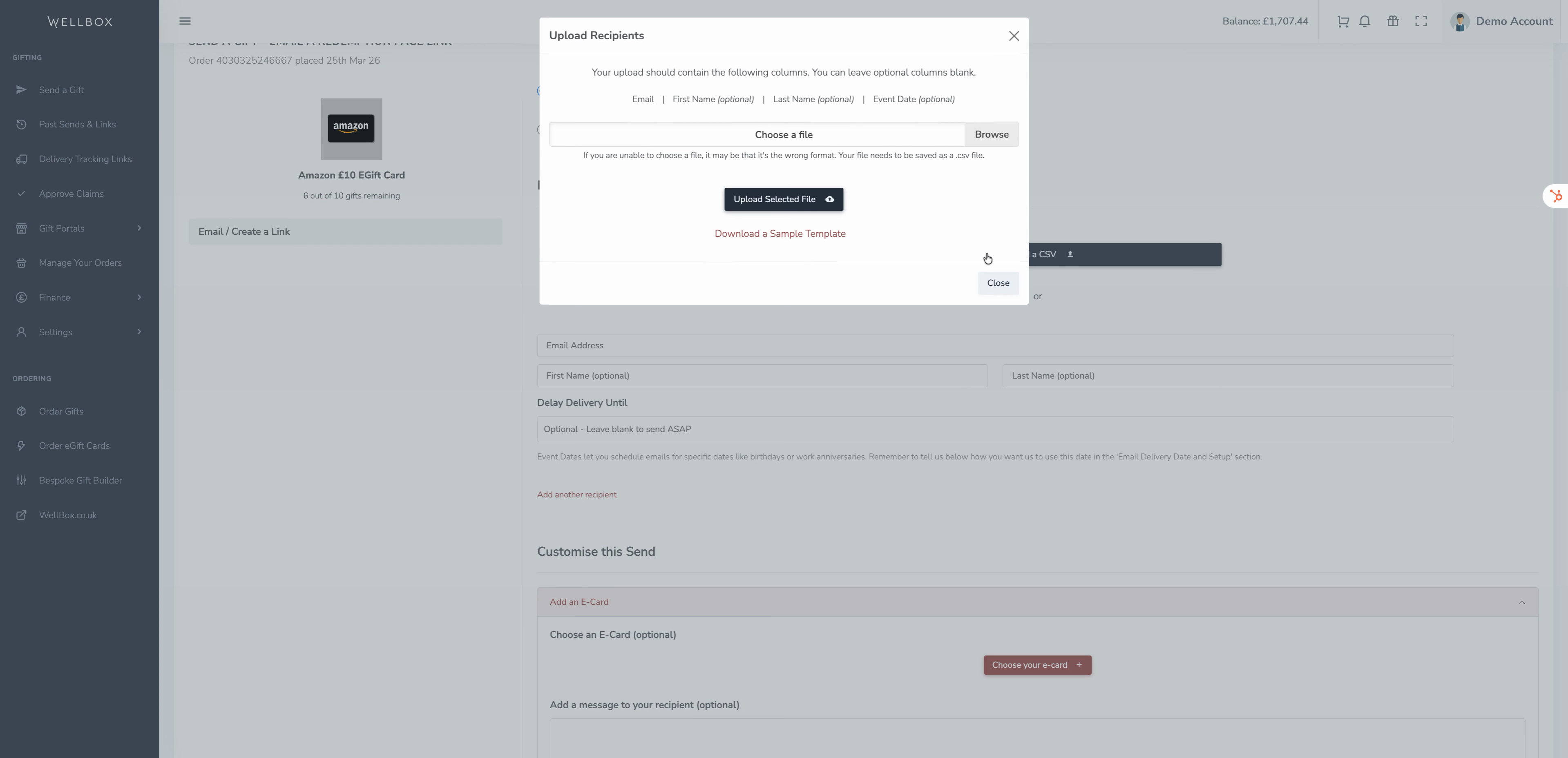
To send a quick gift, add recipient details one by one.
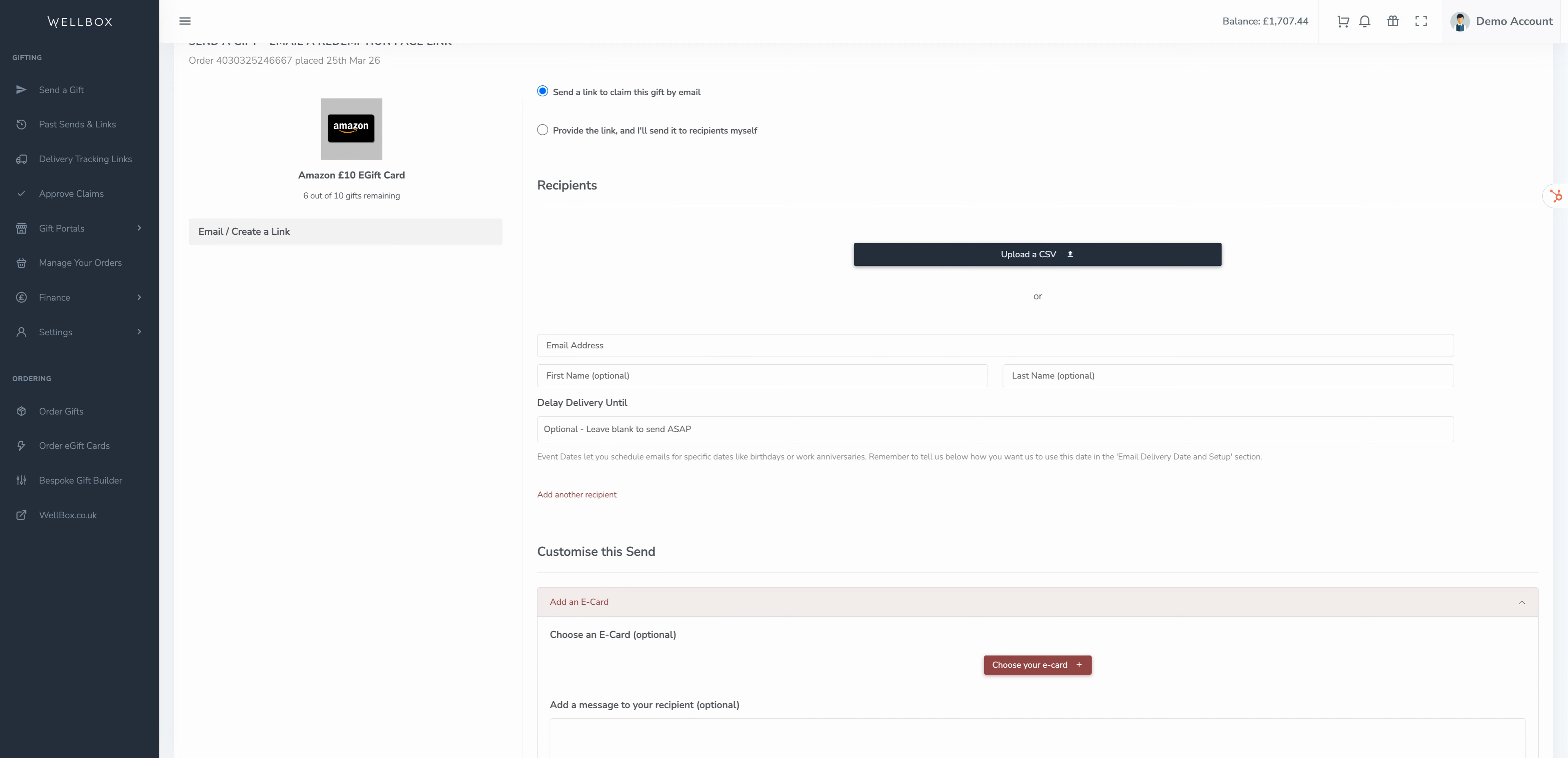
Step 4: Optionally schedule your gift for a special date by choosing a future send date, like a birthday or work anniversary.
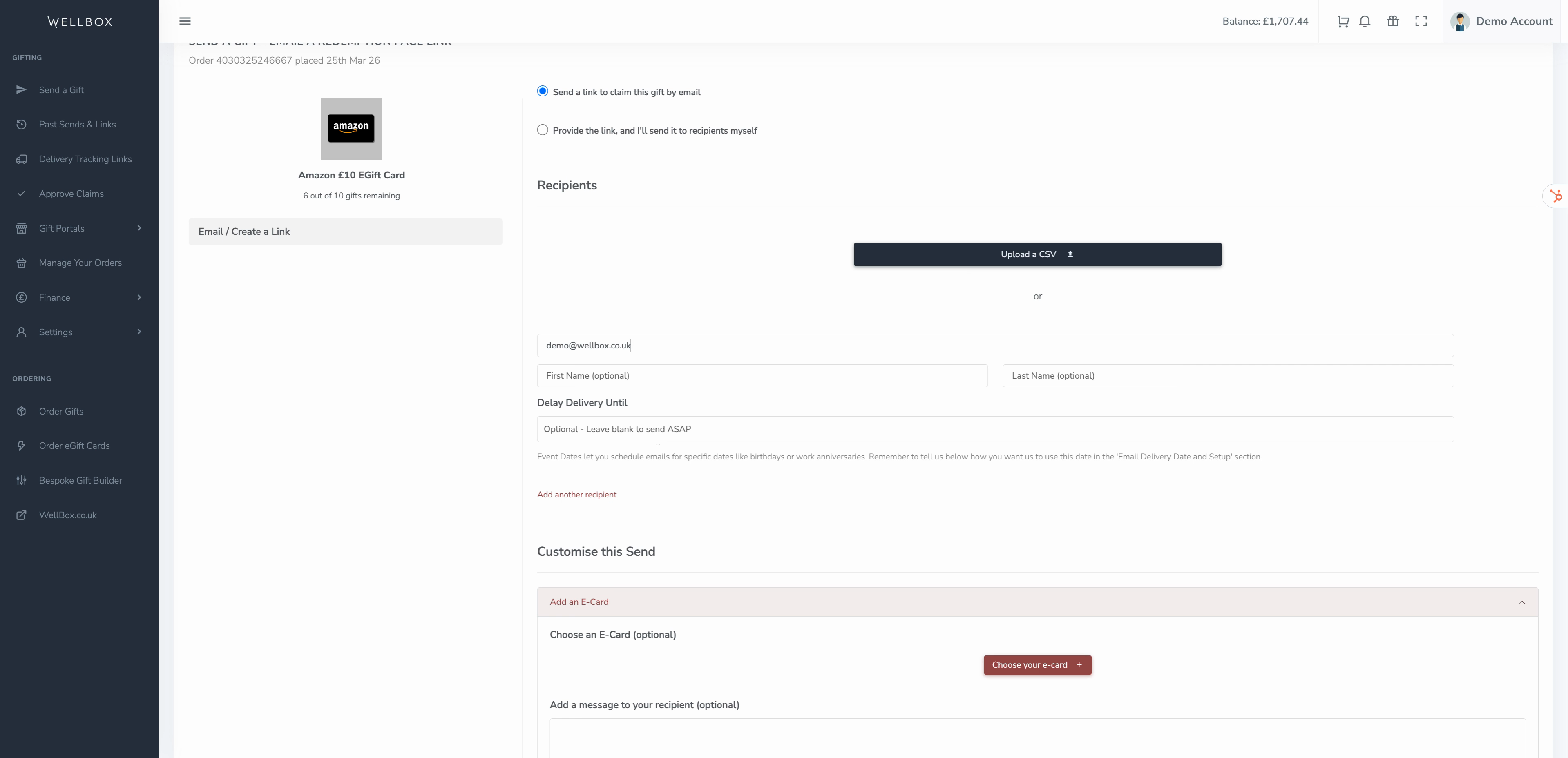
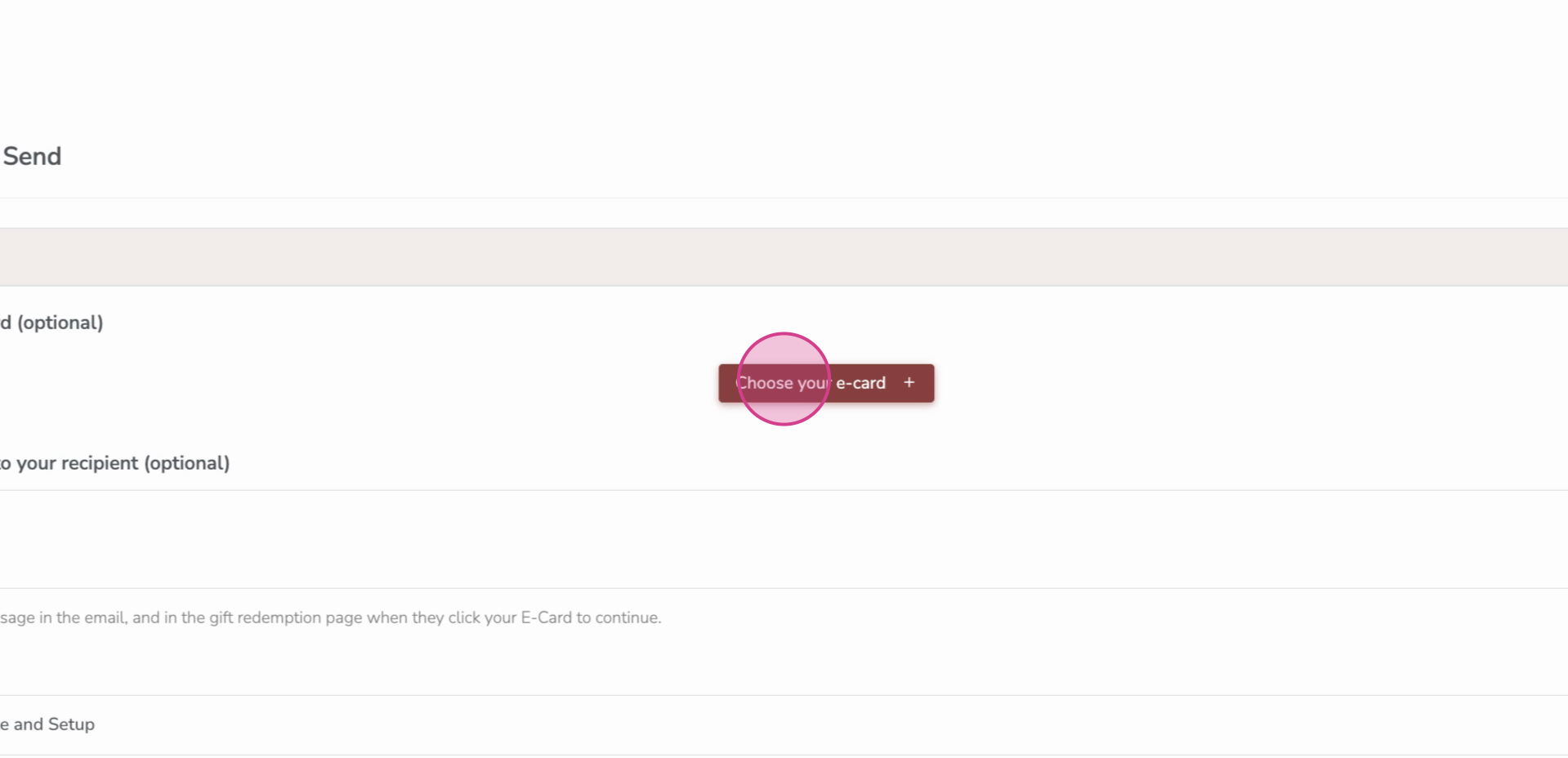
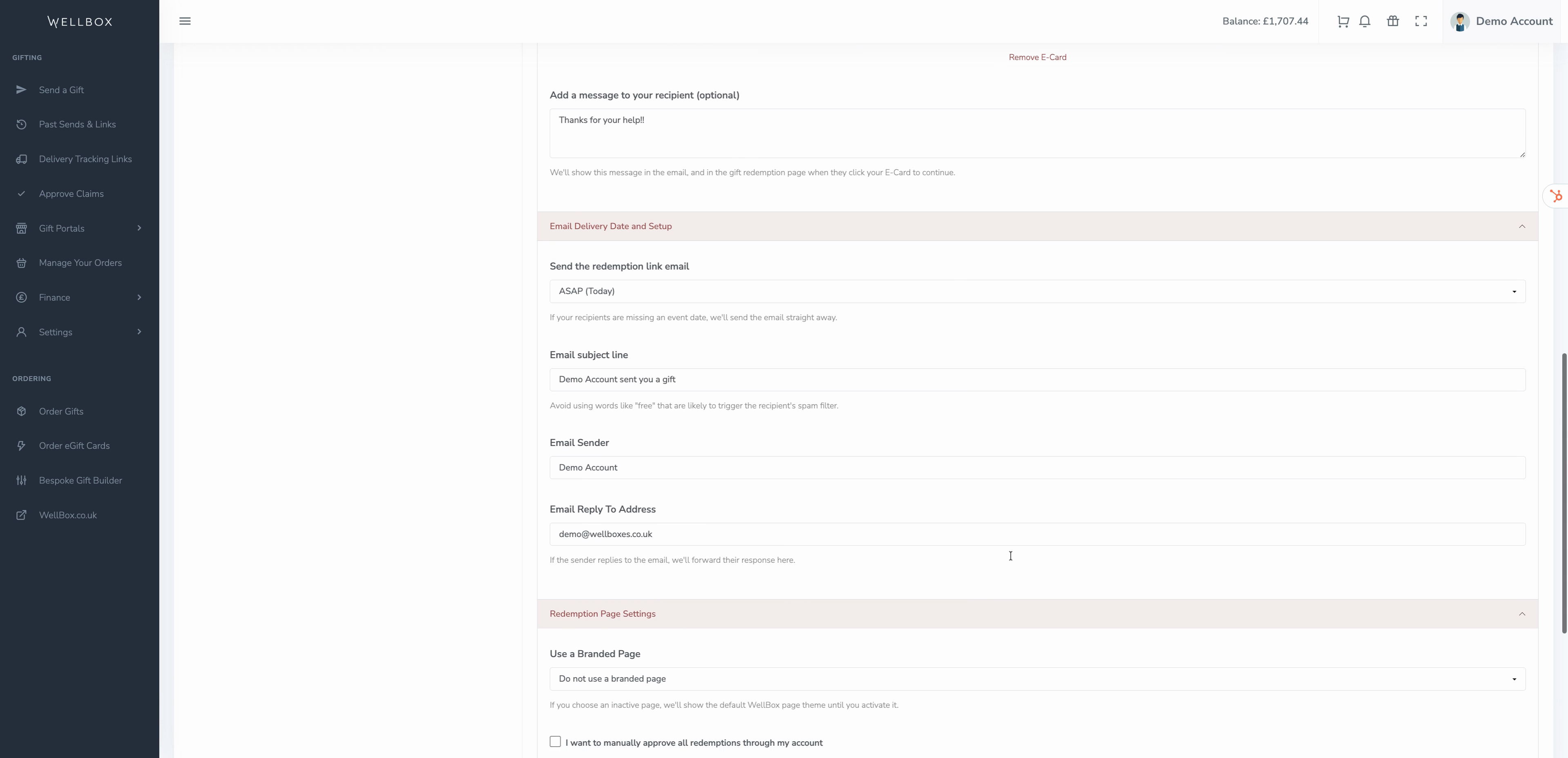
Step 5: Personalise the experience. Add an E-card with your custom message, and select who the email appears to come from and who replies go to.
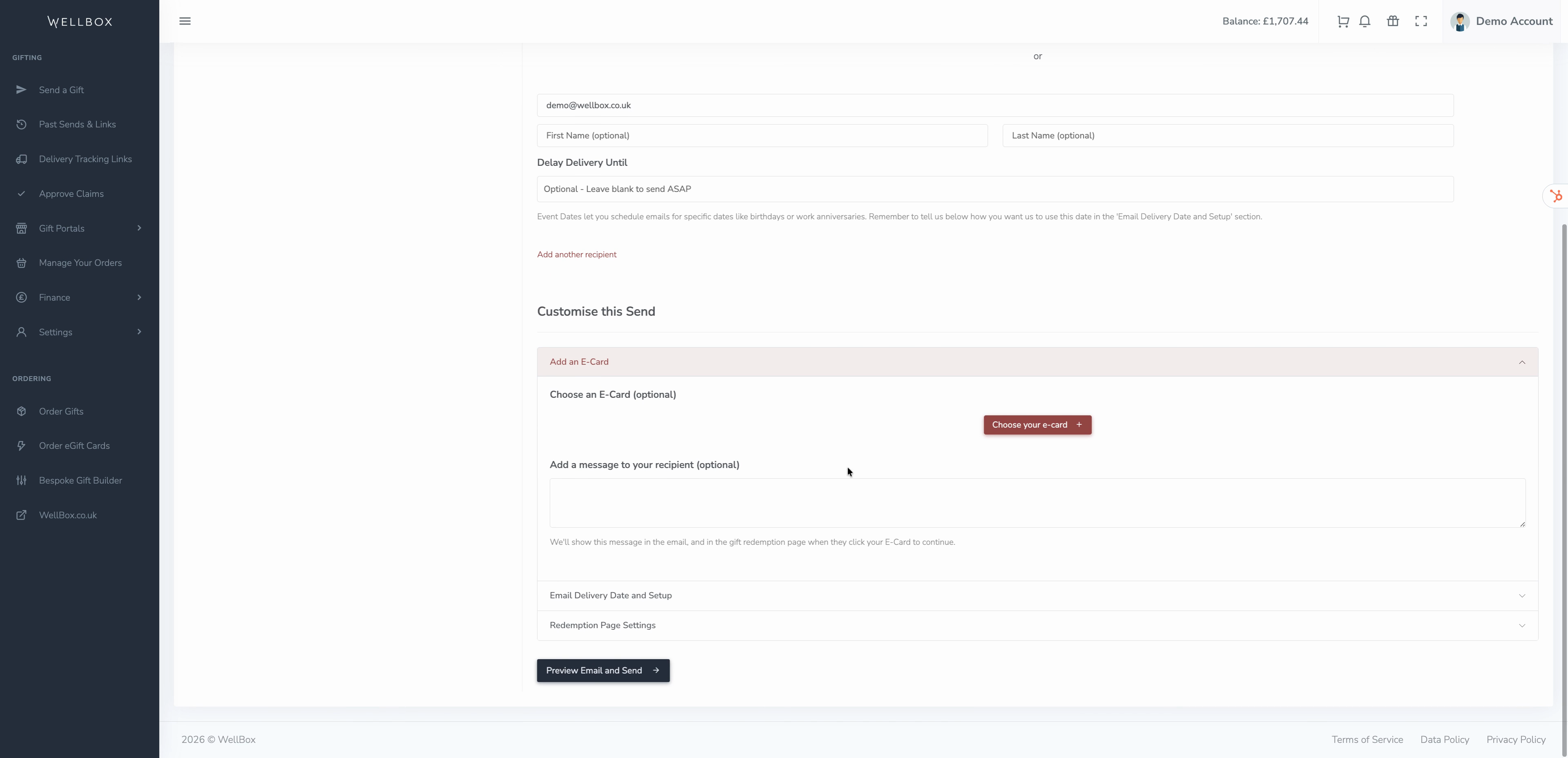
Step 6: Fine-tune email delivery options. Choose whether recipients see your branded page, whether you approve or deny every claim, if claiming should be limited, or allow recipients to swap their gift card for another brand.
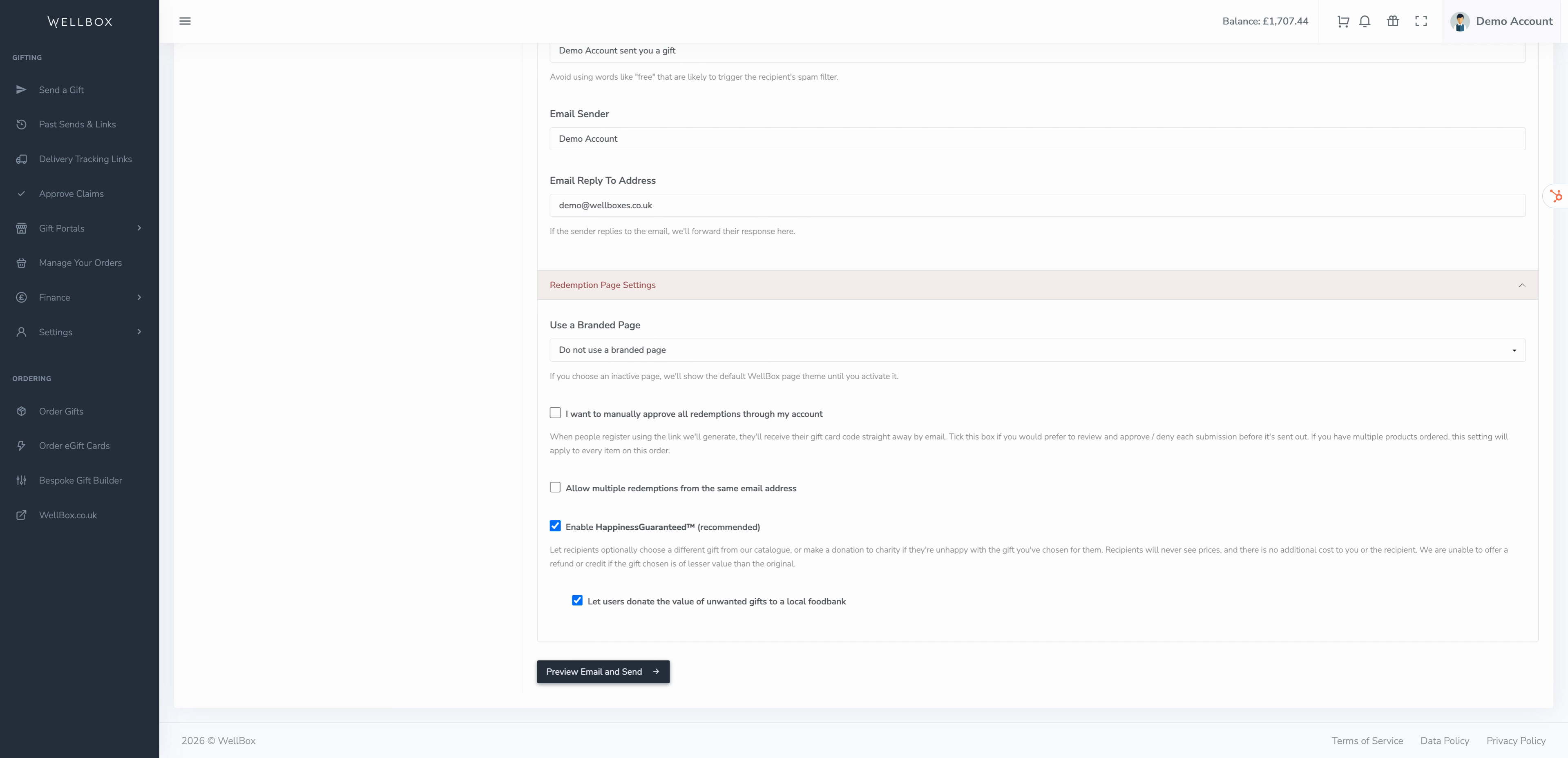
Step 7: Click Preview Email and Send. Review the email and all chosen settings before sending.
Step 8: If you haven’t delayed the send, your recipient should receive their email within minutes. The link in the message lets them access their redemption page.
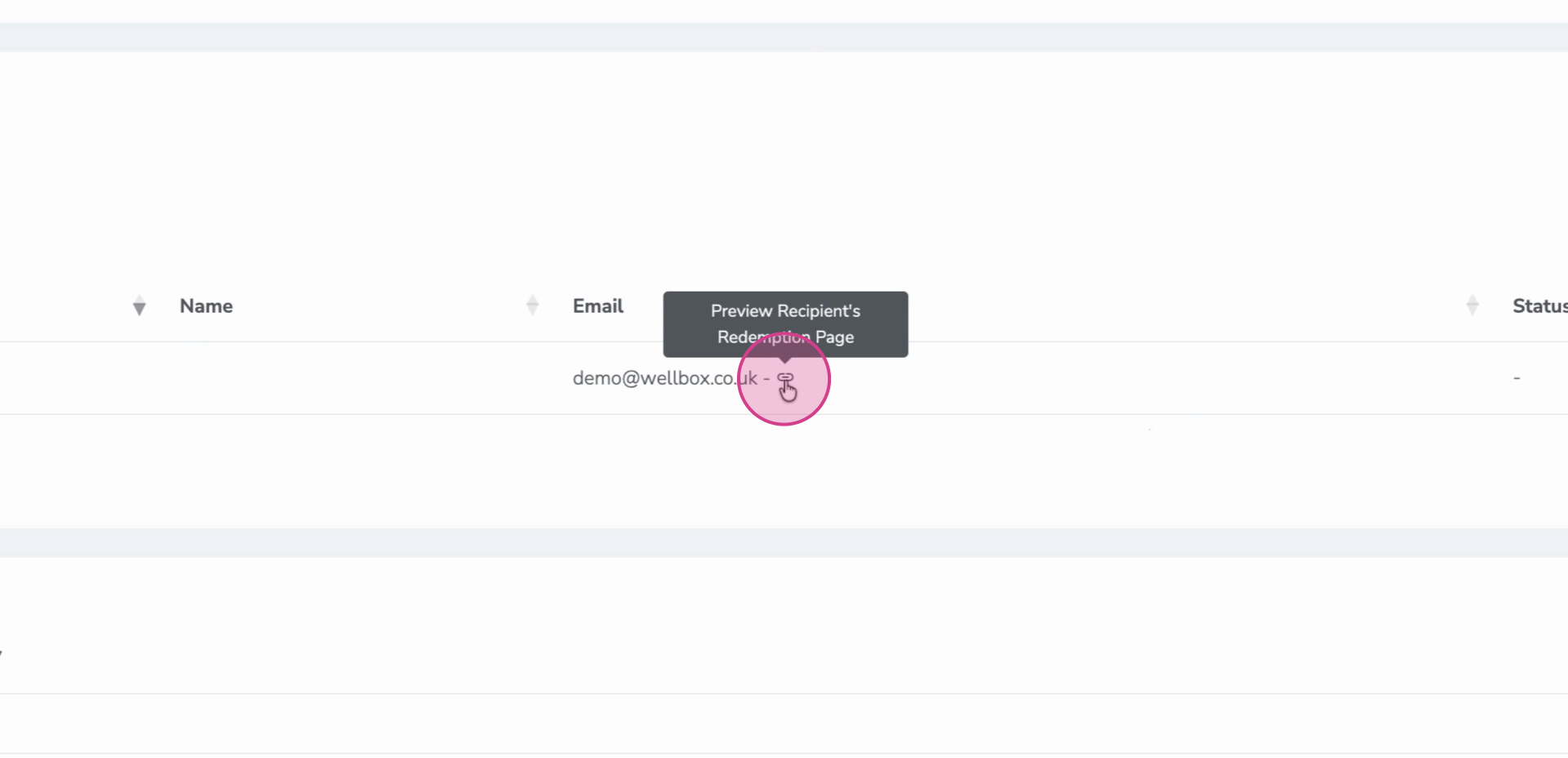
After confirming their details, recipients get their digital gift card link. They can spend it immediately or add it to Google Pay or Apple Pay for convenience.